Account
Team Access
This chapter covers how to give other DanceCloud users access to your organiser account.
Inviting Users
To grant access to another user, you need to know their email address.
If they already have a DanceCloud account, you'll need to use their email address for that account. It's worth asking if you're unsure which email they may already use to access DanceCloud.
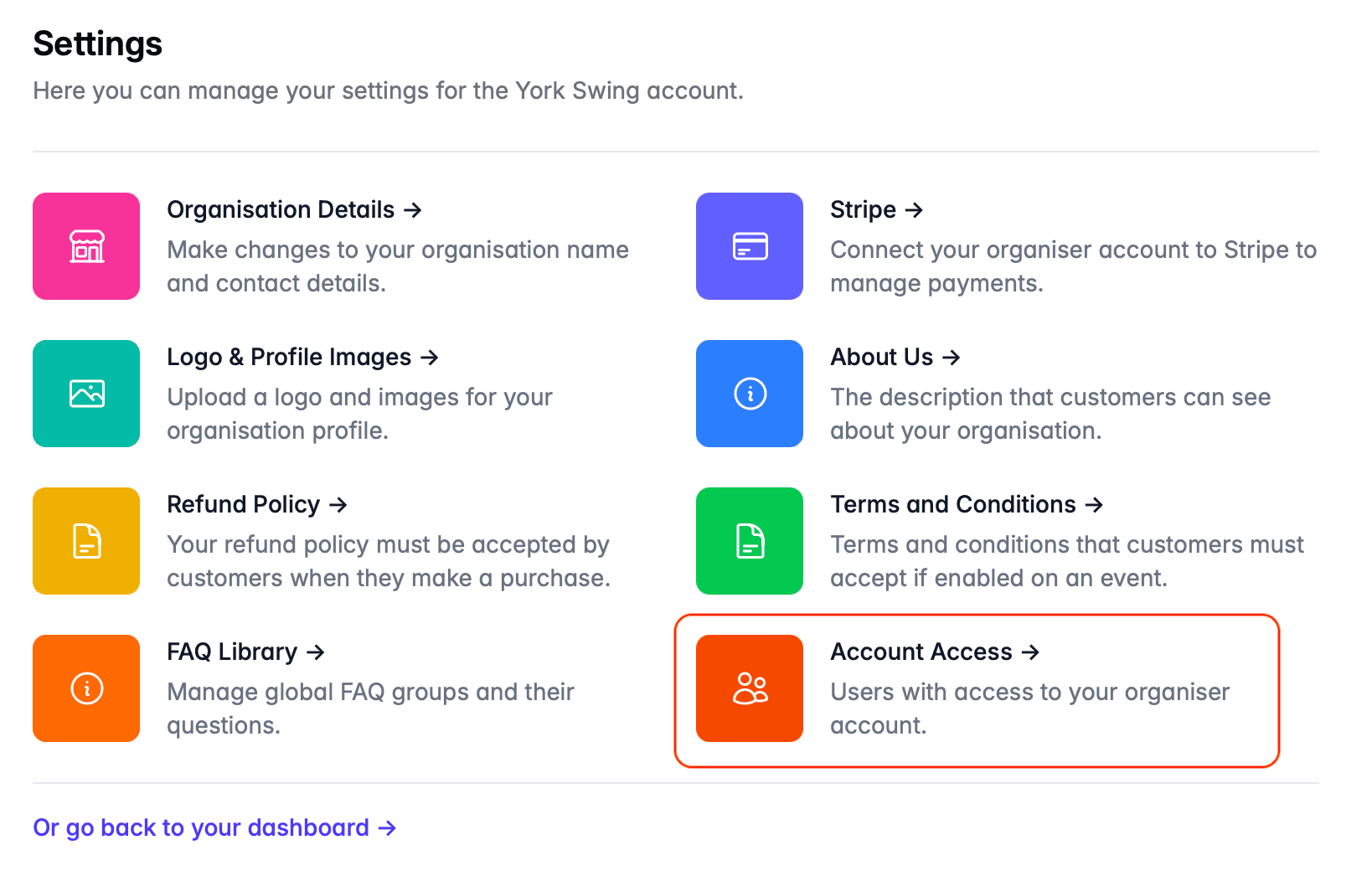
In your organiser account, select Settings from the main menu, then Account Access from the list of options:
To grant access to a user, enter their email address into the field on the top right, then click the Send Invite button. You will be asked to reconfirm their email address, to prevent you accidentally inviting the wrong person.
What does the user receive?
The user will receive an invitation by email. This will contain a link that will allow them to join your account. If they have a DanceCloud account, they will need to sign in. If they don't, they can register when accepting the invitation.
Managing Invitations
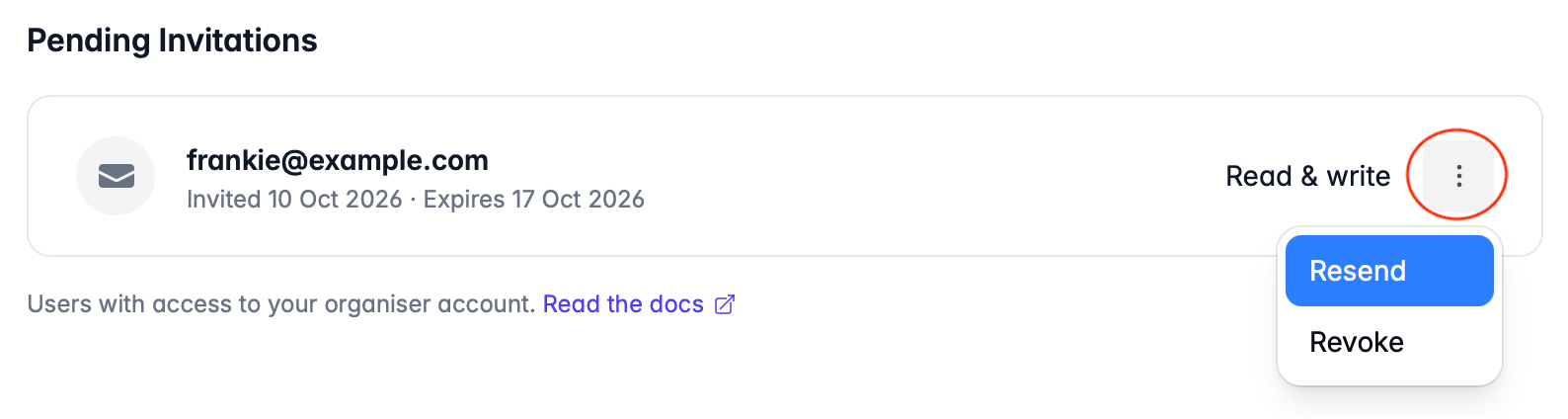
You can see your active invitations at the bottom of the page. To resend the invitation, or to revoke it, use the controls on the right hand side of the row:
Users with Access
The page lists users with access to your account:
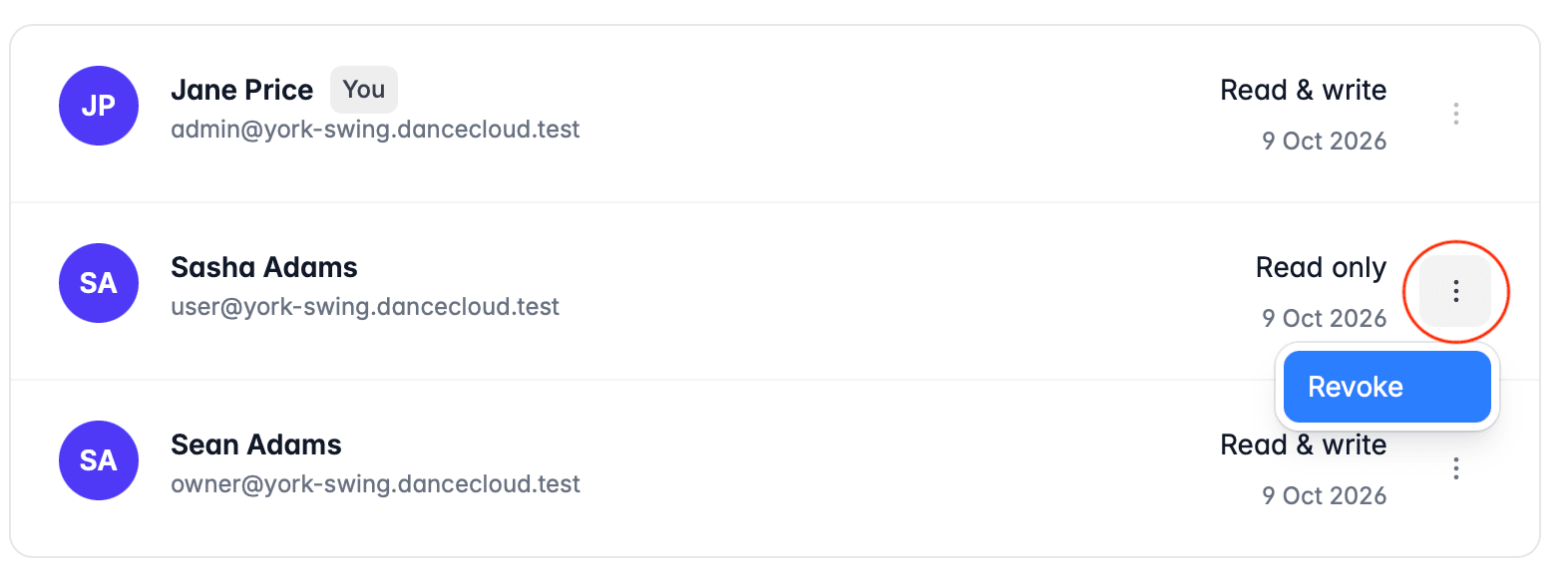
To revoke access, use the controls on the right hand side of the row, as shown in the image above.
You cannot revoke your own access to the organiser account. This is to prevent you from accidentally locking yourself out of your account.
Ask someone else with access to your account to revoke your access if you need to. If you want to revoke your access without anyone else having access to the account, email support.