Get Started
Step 3 - Experience Levels
In this chapter, we cover defining your experience levels - so that dancers can find your lessons when they search by their level.
Levels Page
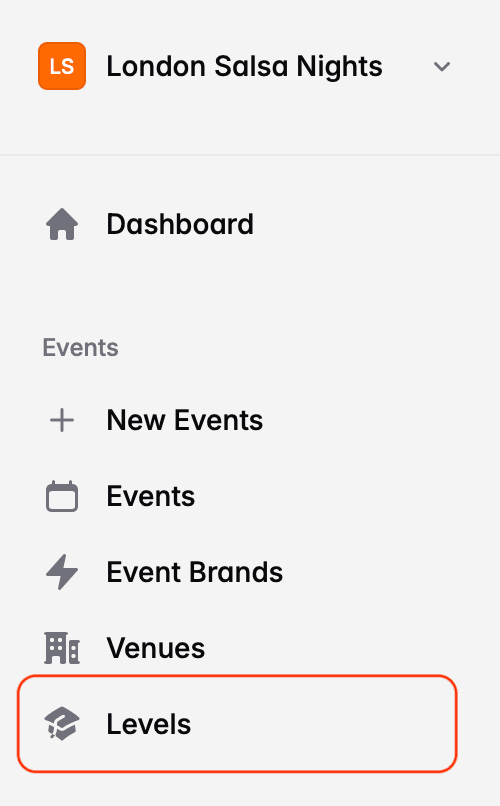
Use the Levels link in the main menu to access the Experience Levels page:
Absolute Beginners
On the page, you'll find a single level - Absolute Beginners. This level has special meaning in DanceCloud - it's how we find lessons to recommend to people who are new to dancing.
If you call your first level something different, e.g. just Beginners, you can edit it. It's also worth adding your level description to it.
Click on the row, and you'll be taken to a form where you can adjust the name and enter a description.
Additional Levels
On the list of dance levels, click the Add Level button to add a new level.
Enter the name of the level and a description. There is also a Link Name field that will fill automatically, but you can customise it if you want. This is used by DanceCloud when the level appears in a URL (link).
DanceCloud Levels
Organisers call their levels completely different things. For example, one organiser might call their first two levels Beginners and Improvers, while another calls them Level 1 and Level 2.
In DanceCloud Listings, we provide a way for dancers to search for lessons across many organisers. When we do this, we ask them to choose the levels they are interested in. As there are no common names across organisers, we use DanceCloud Level names instead.
When you create a level, you therefore need to select which DanceCloud Level it is. Use the slider to change the level:
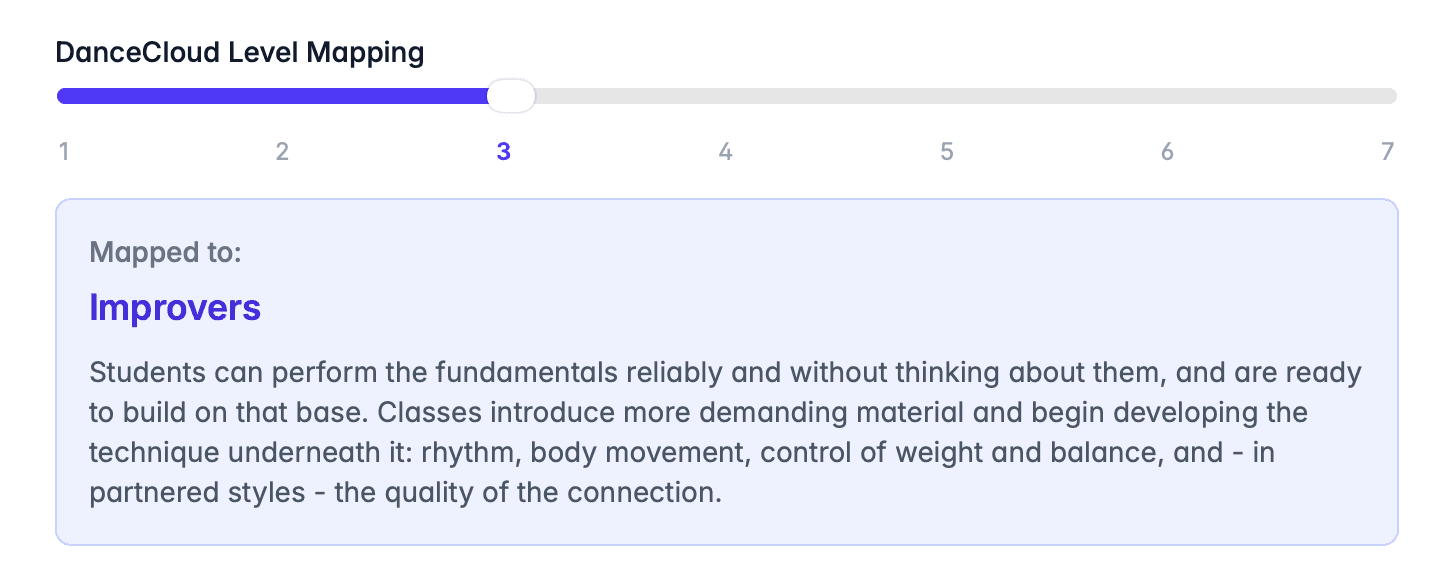
The description of the DanceCloud Level helps you understand which of your levels to map it to. We never show these descriptions to dancers. Instead, when a dancer views your profile or one of your events, we always show your level name and description - not ours.
Open Levels
Do not create an Open Level, because it has no meaning when dancers are searching for lessons by level.
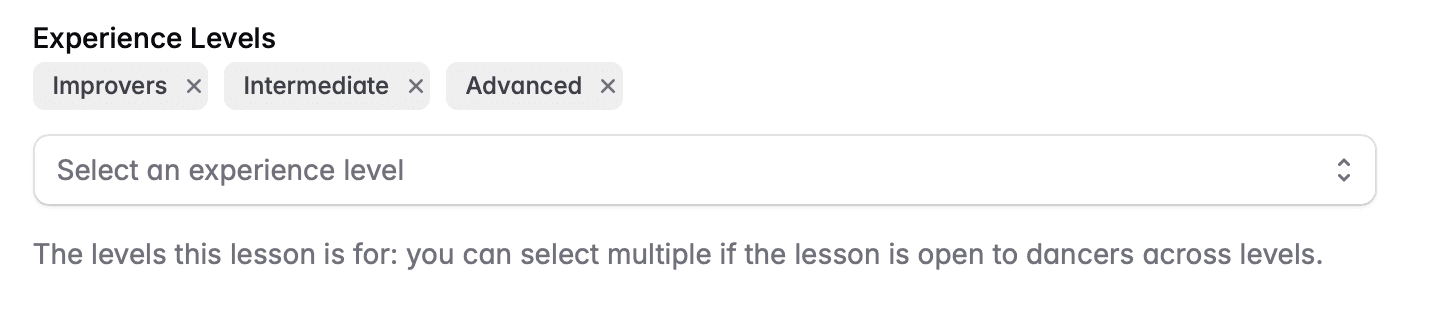
Instead, when you create lessons, you can tag as many levels as needed to accurately list it. For example, if you were running an open level class that you expected your Improvers, Intermediates and Advanced dancers to turn up to, you can tag all 3 at once:
What's Next?
Now we've defined our experience levels, we're ready to list our first event for free.