Listing Events
Registrations
In this chapter we'll cover choosing how dancers should register for your event.
Registrations Choice
When listing an event on DanceCloud, you can configure how dancers should register for the event. This allows a dancer to go straight from the event listing to wherever you are selling tickets, so they can register. Or, if you are not taking registrations - for example, an event that is pay-on-the-door only, you can configure that.
First, choose whether to handle registrations on DanceCloud, or list the event and handle registrations elsewhere:
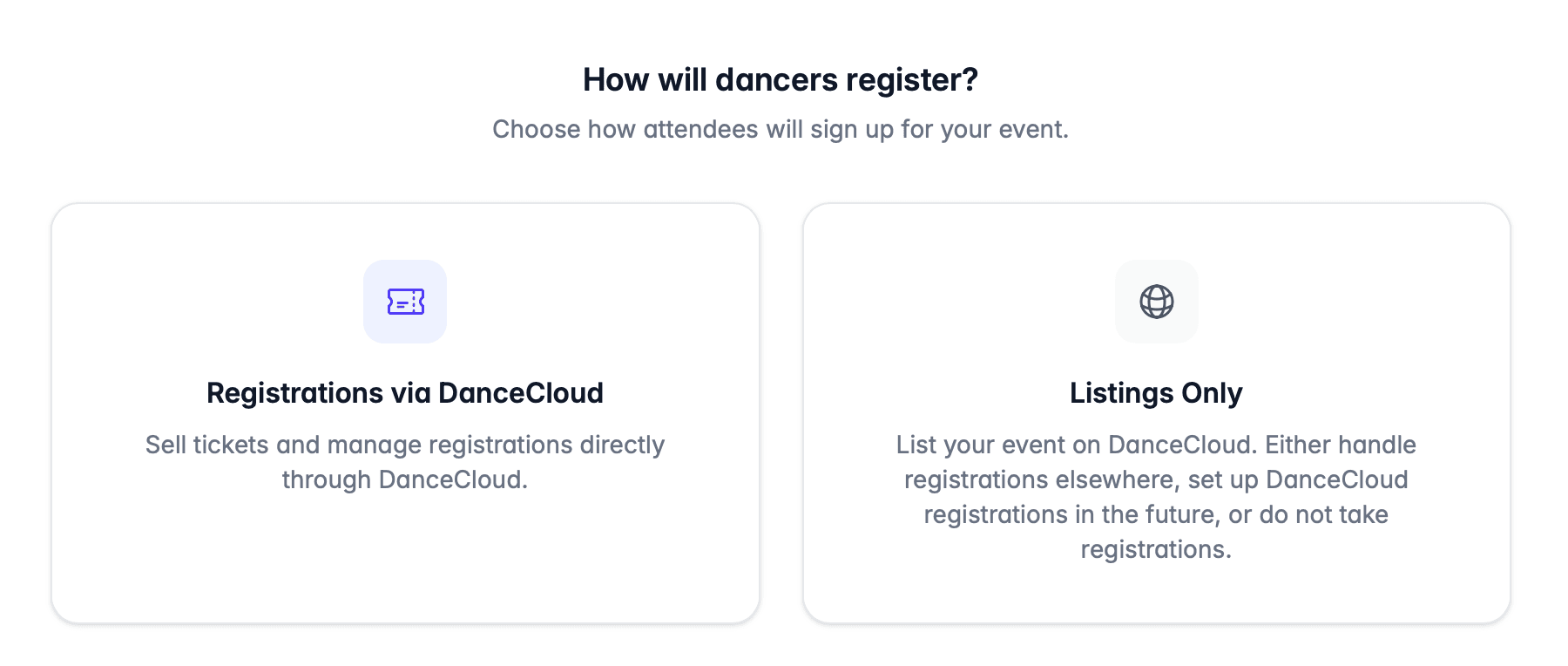
Registrations via DanceCloud
If you choose to handle registrations on DanceCloud, then you'll be asked to configure the registrations. For example, configuring registration settings and creating the ticket types for your event.
You can collect free registrations without any additional setup - there is no DanceCloud fee on free registrations. If you want to take payment for registrations, you will need to connect a Stripe account first.
The Ticketing & Registrations section walks you through how to set up registrations on your event.
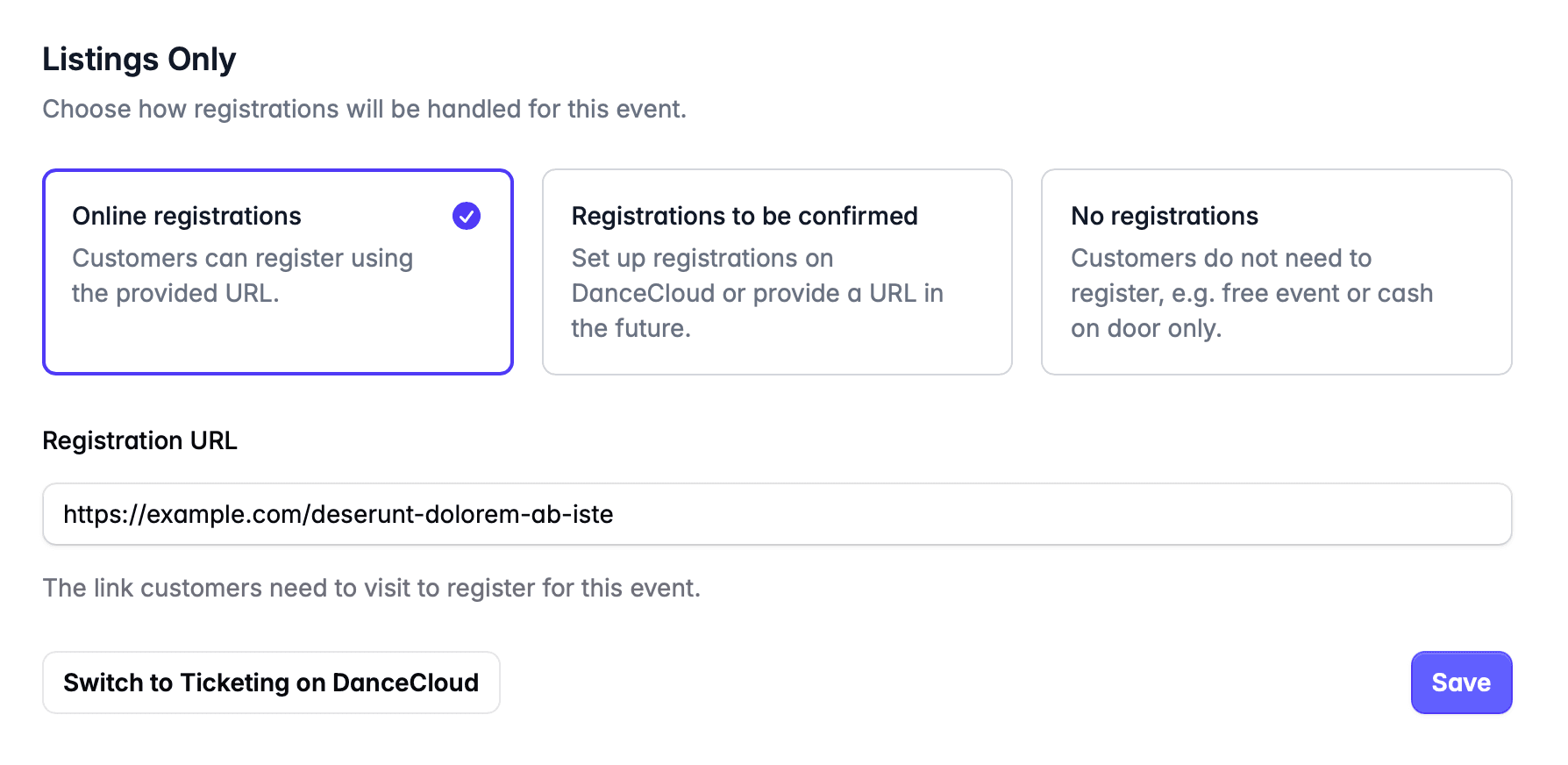
Listings Only
Choose listings only if:
- You are taking registrations elsewhere. You will be asked to provide the link so that dancers know how to register for the event.
- You will set up registrations in the future.
- Dancers do not need to register for the event, e.g. if it is pay-on-the-door only.
Registrations for Recurring Events
If you are creating a recurring event and are taking registrations elsewhere, provide a link that allows a dancer to register for any occurrence of the event; e.g. any weekly class in the series.
Do not use a link for a specific event occurrence.
What's Next?
In the next step, we'll choose an image and other content for our event listing.