Get Started
Step 1 - Create Account
In this chapter, we cover how to create an organiser account. It's free to register an organiser account. Once registered, you can list your dance events for free - and optionally set up registrations too.
Registration Link
Follow this link to register an organiser account.
Country
Select the country where you are based. At the moment, we can only accept organisers based in the UK and Ireland. We'll be adding support for other countries soon.
You'll then be given a choice of either booking a personalised onboarding session, or creating the account yourself. Choose whichever works best for you. If you have questions or would like help setting up your account, then the onboarding session is a good choice.
Not in the UK or Ireland?
If you are in a different country, select it from the list then proceed to the next step. This is an Expression of Interest form: use it to let us know you're interested in joining the platform when we expand to your country.
Organisation Details
Enter the name of your dance organisation. This is the name that will be displayed on your events, and must be the one that dancers will recognise. You can optionally enter a Short Name if it applies, for example if dancers know your organisation by an abbreviation.
Whether you are a business entity, community-run organisation, or self-employed dance teacher - all are welcome to register as organisers.
Account Name
Choose the unique name for your organiser account. This is used for your public profile on DanceCloud Listings.
If you sell tickets on DanceCloud, this will also be used to host your public ticket office - where dancers visit to register for your events.
You can only use lower case letters, numbers, and hyphens in your account name. Spaces and special characters are not allowed.
For example, yorklindy and york-lindy are both allowed. For the former, the URL of your account would be https://yorklindy.dancecloud.com
Your account name must be unique. You'll see a message if the account name is already in use.
Contact Details
Select the city or region you primarily operate in. Then enter your organisation's email address.
If you have a website for your organisation, you can enter it here. This will be displayed on your organiser profile.
Team
DanceCloud is built for collaboration. Instead of sharing a single login, you grant access to as many team members as you need. Team members log in using their own DanceCloud user account.
You'll first be asked to enter your own email. If you already have a DanceCloud user account, you'll be asked to sign in - otherwise, enter your details to create your account.
Once completed, you can enter the email addresses of any team mates you need to invite to your account. They'll receive an invite once your organiser account is created.
Entering team mates is optional. You can always invite people after creating your account.
Review & Confirm
Check the details are correct, then accept the terms and conditions. Then submit to create your organisation.
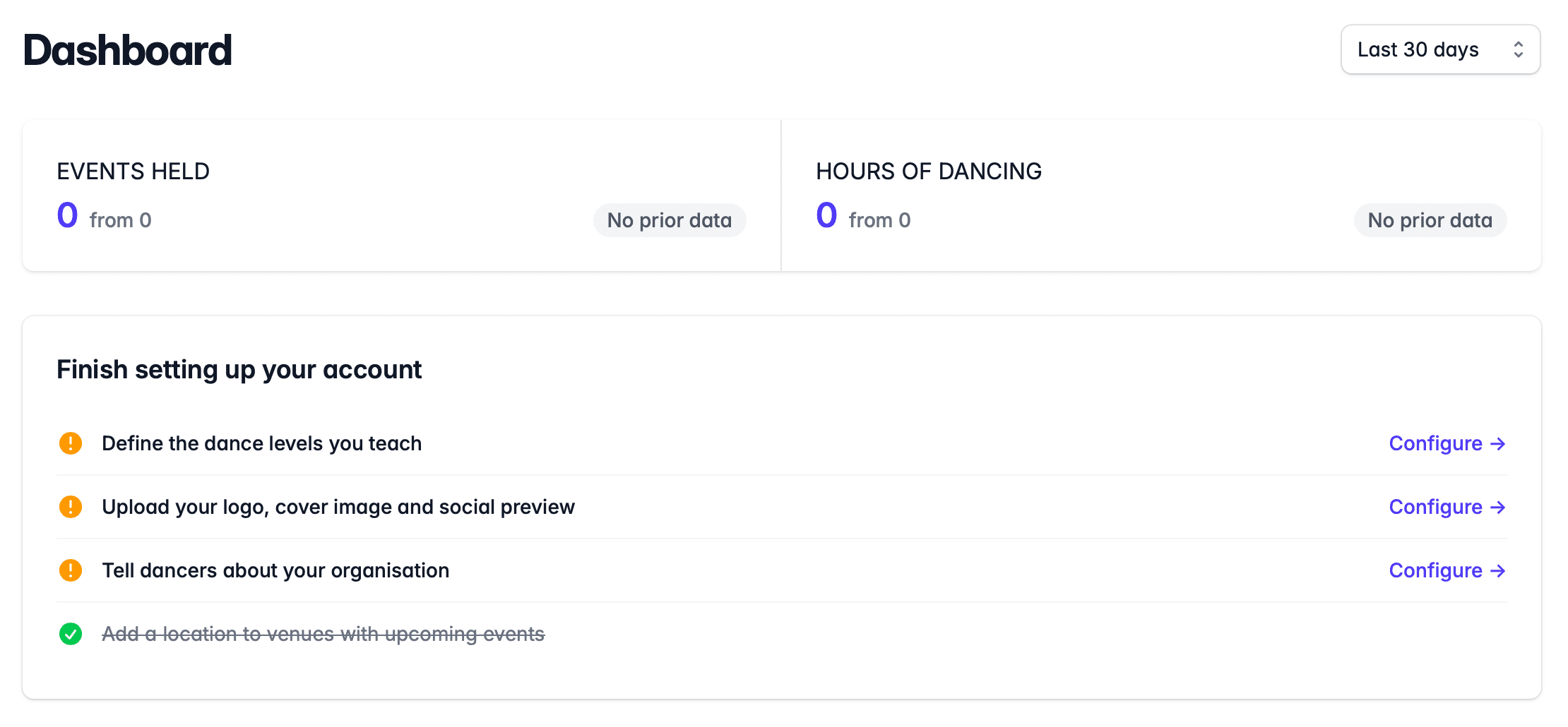
You will be taken to your organiser account. Here you will see some actions to complete setting up your account:
Accessing Your Account
To access your account, sign in at dancecloud.com
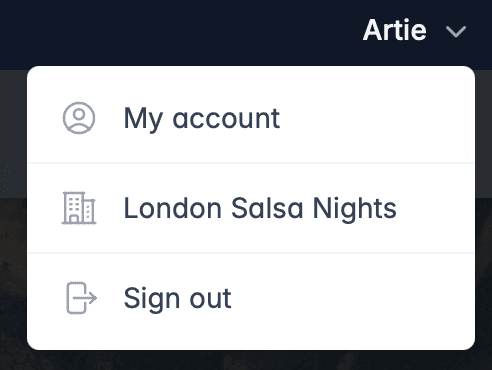
In the top-right hand corner, click on your name. You will see a drop-down that includes the name of your organisation that you can click:
What's Next?
Now your account is created, we'll customise your organisation's profile page on DanceCloud Listings.