Ticketing & Registrations
Connecting a Stripe Account
In this chapter, we cover how to connect a Stripe account to your organiser account. Stripe is a payment processor that allows you to accept card payments.
You must connect a Stripe account to accept payments on DanceCloud.
Connecting an Account
To connect a Stripe account, start the process from DanceCloud. If you already have a Stripe account, you will be able to sign in to Stripe during the process. Otherwise you can create a new Stripe account.
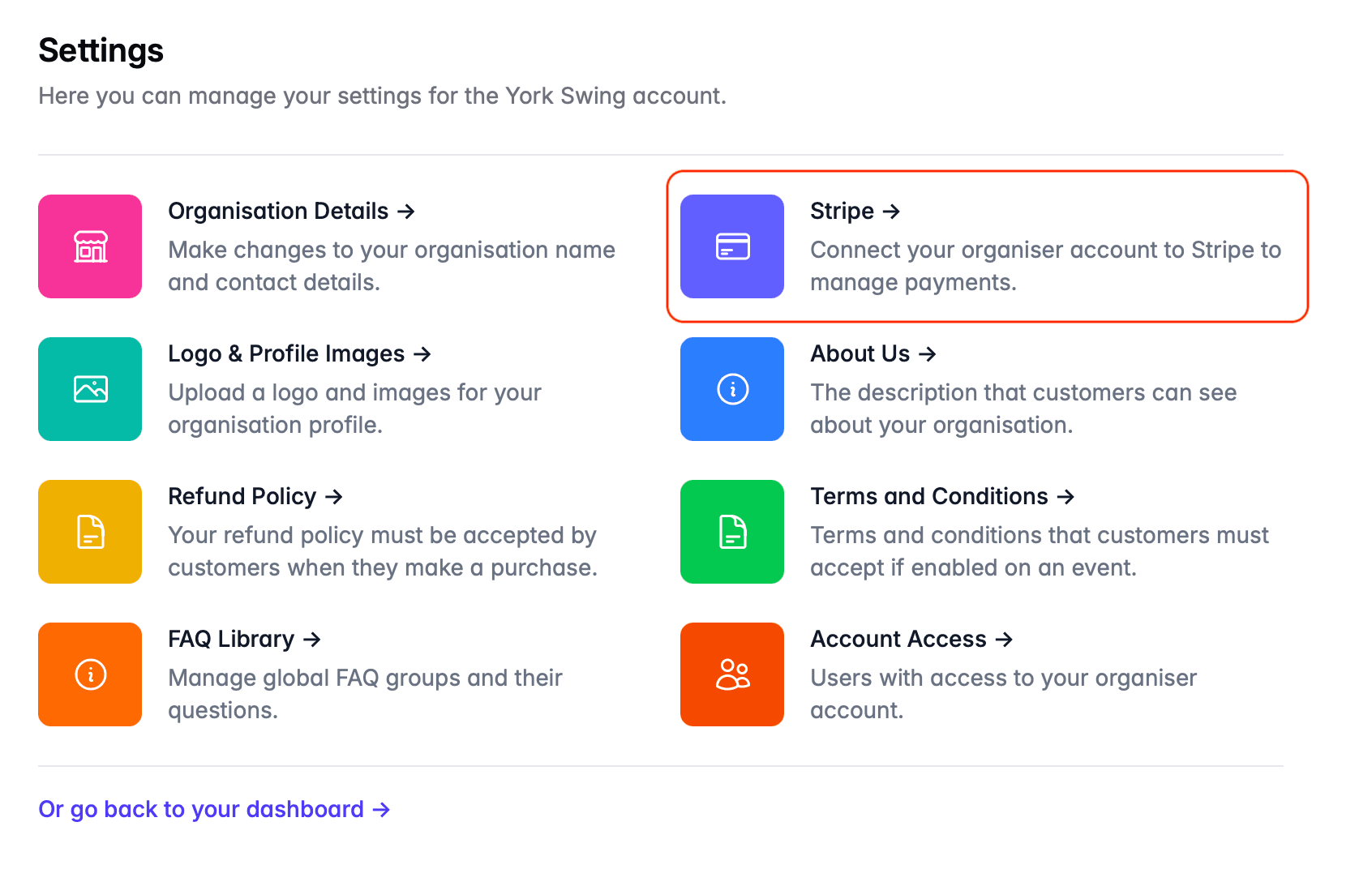
To start the process, choose Settings from the main menu, then choose the Stripe option:
Click the Set up Stripe button - you will be sent to Stripe to create your account.
Once you have completed the information required by Stripe, you will be redirected back to DanceCloud. DanceCloud will show the status of the connection. If the account is not fully connected, you can choose to return to Stripe to provide additional information, or use the Refresh button to check whether the connection process has completed.
Verification
When you create an account with Stripe, you will be asked to provide information to verify your identity. This is to ensure Stripe complies with anti-money laundering regulations.
Stripe will typically allow you to create an account and start taking payments. However, once your account reaches a certain threshold, you will need to provide more information to verify your identity.
When Stripe requests additional verification information, you will need to provide this within a certain amount of time - otherwise payments on your account will be disabled. If this happens, customers using DanceCloud to pay for your events will not be able to complete their payments until your Stripe account is reactivated.
For more information, refer to the Stripe Verification documentation.
If you have any questions about the verification process, please contact Stripe Support directly.
Accessing Your Stripe Account
If you need to access your Stripe account, use the Stripe dashboard.
Refunds
A note on refunds! Refunds can be issued via your Stripe account. However, if you issue the refund directly from Stripe, the DanceCloud fee will not be refunded.
To ensure that you get the DanceCloud fee returned to you, always issue the refund from your DanceCloud account.